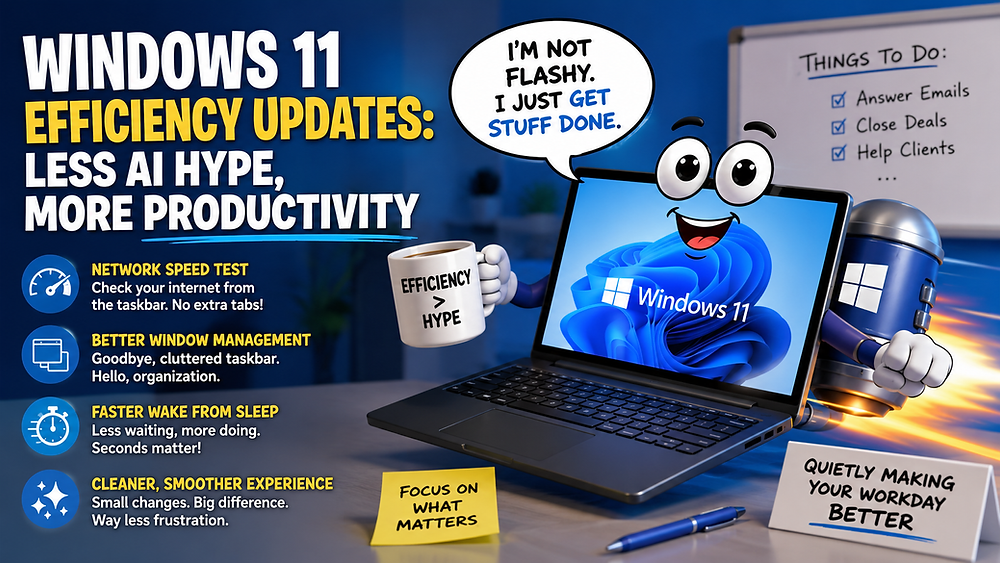

Your team must work fast, but slow computers can make it hard. This can hurt your business. Before you spend money on new computers, try these tips to make your Windows 10 or 11 computers faster:
- Restart your computer. This can fix many problems by clearing out old data and processes.
- Manage startup apps. Some apps start automatically and slow down your computer. To stop them, go to Settings, click on Apps, then Startup. Turn off any apps you don't need, then restart your computer.
- Disable restartable apps. Windows 11 can save and restart some apps when you reboot. This can be helpful, but it can also slow down your computer. To turn it off, go to Settings, click on Accounts, then Sign-in options. Turn off the "Automatically save my restartable apps" switch.
- Uninstall unnecessary apps. Apps you don't use can take up space and slow down your computer. To remove them, go to Settings, click on Apps, then Installed apps. Choose the app you want to remove and click Uninstall.
Be careful about what software you install. Only use apps from trusted sources, like the Microsoft Store. Do some research before installing new software.
If you don't want to do all this yourself, our team can help. We can check your computers and network for problems. Get in touch with us.