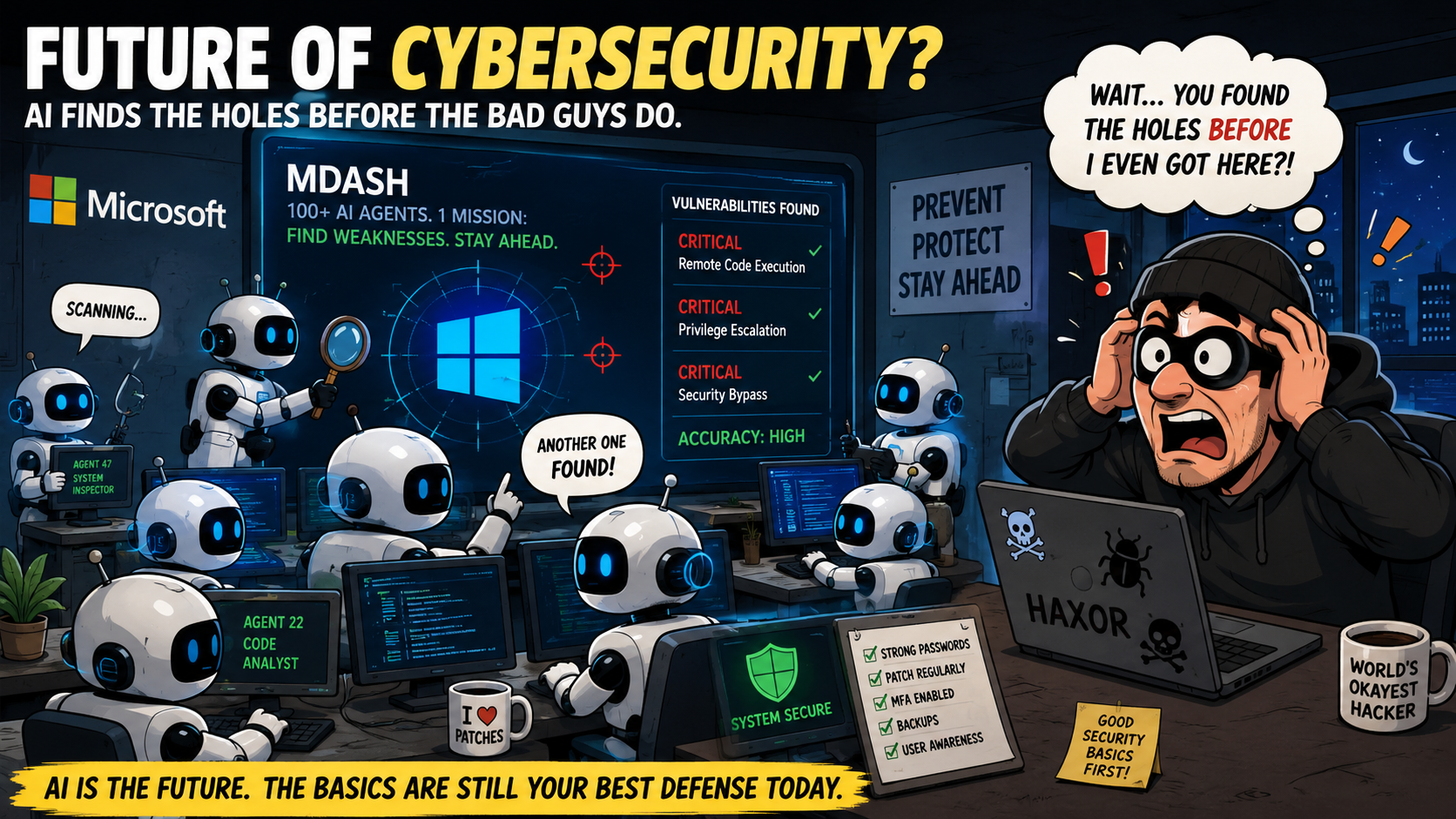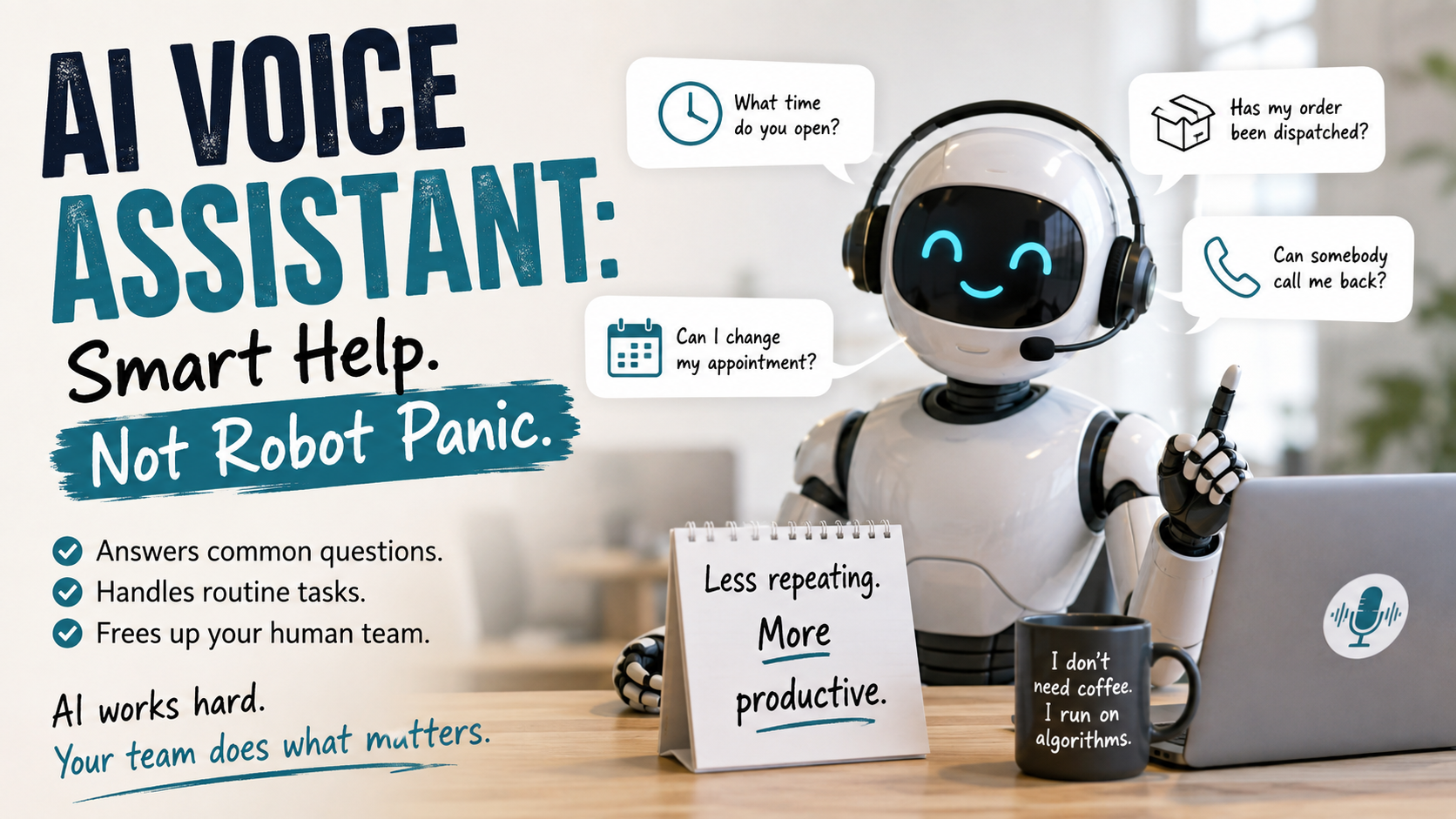

Artificial intelligence is creeping into more parts of your business than you may realize.
It writes emails, summarizes meetings, analyzes data, creates reports, answers customer questions, and helps employees make decisions. AI may also be included in software your team already uses, even if nobody specifically asked for it.
That can be useful. It can save time and help your employees get more done.
But there is an important question every business should be able to answer:
How would you stop AI in an emergency?
Imagine an AI tool starts sending incorrect information to customers. Maybe it produces a financial report with bad numbers. Perhaps it shares private information with someone who should not see it. It could also make an automated decision that creates a compliance, security, or customer-service problem.
Could you stop it quickly?
Or would everyone stare at the screen while somebody says, “I thought IT controlled that”?
That is not an emergency response plan. That is the beginning of a very uncomfortable meeting.
AI Is Being Adopted Faster Than It Is Being Managed
Many businesses are adopting AI one tool at a time.
An employee signs up for an AI writing assistant. A department adds an AI feature to its customer service platform. Microsoft, Google, or another software company switches on a new AI feature. Someone connects an AI service to company data because it promises to save three hours a week.
Each decision may seem small. Together, they can create a large problem.
Before long, AI is connected to email, documents, customer records, financial information, marketing systems, and other important business data.
But nobody has a complete list of the AI tools being used.
This creates a simple but serious problem:
If you do not know where AI is running, you cannot easily stop it.
If you cannot stop it, you are not fully in control of the risk.
What Could Go Wrong With Business AI?
AI does not have to turn into an evil movie robot to create an emergency. Most real problems are less dramatic and much more believable.
An AI-related emergency could include:
- An AI assistant sending incorrect information to a customer
- An employee entering confidential data into a public AI service
- A chatbot providing bad advice or making promises your company cannot keep
- An AI-generated report containing false or misleading information
- A tool sharing data with an unauthorized person or outside service
- An automated process making decisions without human review
- An integration repeatedly creating incorrect records
- A compromised AI account being used to access business information
- An AI service violating a customer agreement or company policy
- Employees relying on AI-generated information that was never verified
AI can produce an answer that looks professional, sounds confident, and is completely wrong. It is like having an employee who never says, “I don’t know,” even when that would be the best possible answer.
Who Is Responsible When AI Makes a Mistake?
Every AI system needs an owner.
That person does not need to be an artificial intelligence expert. However, someone must be responsible for understanding how the tool is used, what information it can access, and what should happen if it causes a problem.
Without a clear owner, emergency response becomes a game of corporate hot potato.
IT may manage the account, but the marketing department may use it. Finance may depend on its reports. Operations may have connected it to another system. Leadership may assume someone else reviewed the risks.
AI responsibility is broader than IT because AI can affect nearly every department, including:
- Operations
- Finance
- Sales
- Marketing
- Customer service
- Human resources
- Compliance
- Cybersecurity
- Leadership
This is why AI needs governance.
“Governance” may sound like a word invented to make a meeting last longer. In this case, it simply means having clear rules, visibility, and accountability.
How to Stop AI in an Emergency
Your business needs more than a general idea that someone can “probably turn it off.”
You need a documented AI emergency plan.
Here are the basic steps.
1. Create an Inventory of Your AI Tools
Start by identifying every AI tool being used in the business.
Include approved tools, experimental tools, free accounts, built-in software features, chatbots, automation platforms, and integrations.
Your inventory should record:
- The name of the tool
- The department using it
- The business reason for using it
- The employee or manager responsible for it
- The information it can access
- The systems connected to it
- Whether it can take automatic actions
- How to suspend or disable it
- Who has administrative control
- Whether the tool is considered critical
Do not rely only on the software that IT knows about. Ask employees and department managers what they are using.
You may discover more AI accounts than expected. Free trials have a remarkable ability to become permanent business systems without telling anyone.
2. Assign an Owner to Every AI System
Each AI system should have a business owner and a technical owner.
The business owner is responsible for how the tool is used. The technical owner manages access, security settings, integrations, and the steps needed to disable it.
For a small business, one person may fill both roles. What matters is that responsibility is clear.
If everyone is responsible, nobody is responsible.
3. Document the Shutdown Procedure
Write down exactly how to pause or disable each important AI tool.
Depending on the system, that may involve:
- Disabling user accounts
- Revoking access tokens
- Disconnecting an integration
- Turning off an automated workflow
- Removing access to company data
- Blocking the service through security tools
- Suspending an application
- Changing API credentials
- Contacting the software vendor
- Switching the business back to a manual process
The instructions should be specific enough that an authorized person can follow them during a stressful situation.
“Call Dave because he knows how it works” is not documentation. It is a future problem wearing a name tag.
4. Limit What AI Can Access
An AI tool should only have access to the information it needs.
Do not give an AI service access to every email, document, customer record, and financial file just because connecting everything is convenient.
Use the same security principles you would use for an employee:
- Provide the minimum access necessary
- Require multifactor authentication
- Review access regularly
- Remove unused accounts
- Monitor important activity
- Protect administrative accounts
- Separate testing from live business systems
The less access an AI system has, the smaller the potential damage if something goes wrong.
5. Keep a Human Involved in Important Decisions
AI should not make high-impact decisions without proper human review.
This is especially important when decisions affect:
- Employment
- Customer finances
- Healthcare
- Legal matters
- Security
- Compliance
- Pricing
- Contracts
- Access to important services
AI can help organize information and make recommendations. A qualified person should still review important decisions.
The computer may sound confident, but confidence is not the same as accuracy. Anyone who has followed GPS directions directly into a closed parking lot already understands this.
6. Prepare a Manual Backup Process
If you shut down an AI system, can the business continue operating?
For every important AI tool, decide how employees will work without it. This may mean returning to a manual process, using a different system, or temporarily limiting a service.
Your emergency plan should explain:
- What work must continue
- What work can be paused
- Who approves the backup process
- How customers will be affected
- How employees will be notified
- How records will be maintained during the outage
The goal is not only to turn off the AI. The goal is to turn it off without bringing the rest of the business down with it.
7. Save the Evidence
When an AI incident occurs, do not immediately delete everything.
Preserve logs, screenshots, alerts, messages, reports, prompts, responses, account activity, and other useful evidence. This information may be needed to determine what happened and prevent it from happening again.
It may also be needed for conversations with leadership, customers, insurers, attorneys, or regulators.
Stop the harmful activity, but preserve the information needed to investigate it.
8. Test the Plan
An emergency plan that has never been tested is mostly a collection of optimistic guesses.
Run a basic exercise at least once a year. Choose an AI tool and pretend it has produced incorrect information or exposed sensitive data.
Ask your team:
- Who notices the problem?
- Who has the authority to stop the tool?
- Who knows how to disable it?
- Which systems must be disconnected?
- Who investigates the incident?
- Who communicates with employees and customers?
- How does the business continue working?
- Who decides when the AI system can be restored?
If the test ends with twelve people looking for a password, you have found something worth fixing.
Questions Every Business Should Answer
Business leaders should be able to answer these questions clearly:
- Which AI tools are being used in the business?
- What company information can they access?
- Who is responsible for each tool?
- Which AI tools can take automatic actions?
- Can we quickly pause or disable them?
- Do we have written shutdown instructions?
- Can the business continue without them?
- Are employees required to review important AI-generated work?
- Could we explain how an AI system was used after an incident?
- Do employees know how to report an AI-related problem?
If you cannot answer these questions, you do not need to panic. But you do need to start working on them.
AI Should Be Useful, Not Uncontrolled
Your business should not avoid AI. It is too useful, and many of your existing platforms are already adding it.
The goal is to use AI with the same level of care you apply to other important business systems.
Know where it is being used. Limit what it can access. Assign an owner. Document how to stop it. Test the process before an actual emergency.
You have emergency plans for fires, server outages, cyberattacks, and severe weather. AI should not be the one system everyone assumes will behave itself.
Wyant Technologies can help your business identify its AI tools, review their access, create practical policies, and build an emergency shutdown plan. If you are not completely sure where AI is being used or how you would stop it, let’s map it out before the robots schedule the meeting for us.