
Weak Passwords Could Be Your Biggest Cyber Risk
Let’s talk about passwords—and why they matter more than you might think.
Weak passwords are one of the biggest security risks to your business. Why? Because cyber criminals are getting smarter. If they break into just one account, they might get access to private files, financial info, or even your entire system.
Hackers use automated tools that can guess millions of passwords in seconds. So if you’re using something like “Password123” or “CompanyName2025”, you’re basically handing them the keys.
A stolen password can lead to:
- Data breaches
- Money loss
- Identity theft
- Damage to your reputation
So how do you create a strong password that’s also easy to remember?
Think of it like a secret recipe—only you know the ingredients. A strong password should:
- Be at least 14 characters long
- Use uppercase and lowercase letters
- Include numbers and symbols like @, $, or %
- Avoid common words or personal info like your name or birthday
Instead of using a single word, try a passphrase—a short sentence that’s easy for you, but hard for hackers. For example:
Instead of Sailing2025, try Coffee&CloudsAreGreat9!
Also, avoid these common mistakes:
- Using personal info
- Reusing the same password for multiple accounts
- Choosing simple patterns like 123456
- Writing passwords on sticky notes or storing them in easy-to-find places
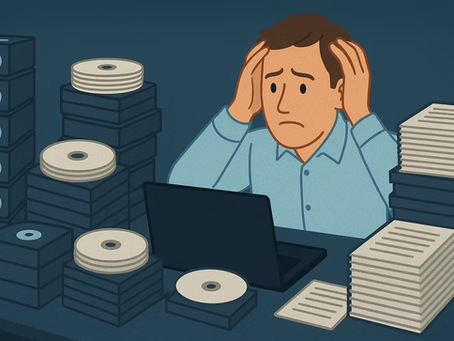
Worried about remembering too many passwords? Use a password manager. It can:
- Create strong, random passwords
- Store them safely
- Fill them in for you when you need them
You only have to remember one strong master password.
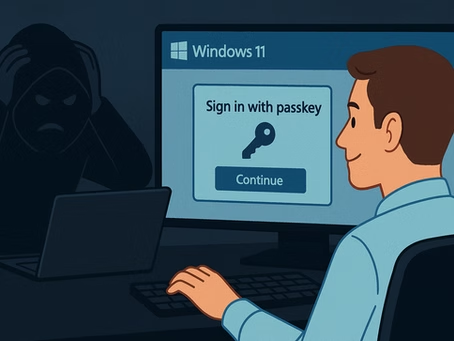
And don’t forget about multi-factor authentication (MFA). It adds an extra layer of protection by requiring a second step, like a code sent to your phone.
If your team accesses business systems, set up a password policy that covers:
- Creating strong, unique passwords
- Regular training on password safety
- Using MFA for important systems
- Scanning for leaked or compromised passwords
Strong passwords aren’t just good practice—they’re a big part of keeping your business safe from cyber attacks.
Need help putting the right tools in place? We’re here for that—just reach out.