
Enforce MFA Before Old Passwords Come Back to Bite You
Here is a scary thought.
What would happen if someone got their hands on one of your employee’s passwords from years ago?
Not a password they use today.
Not one they even remember.
Just an old password that never got changed.
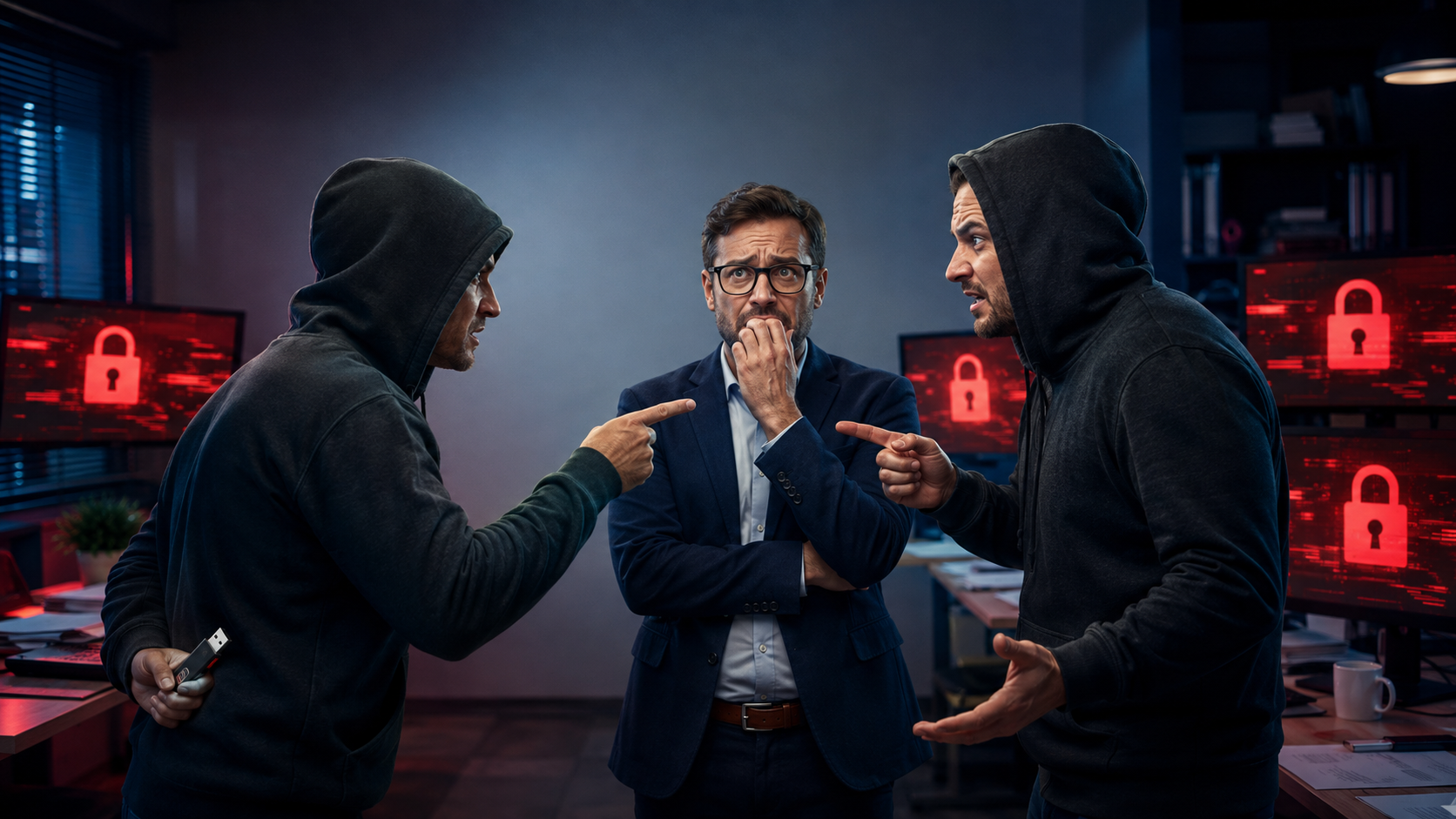
That exact scenario is how a recent, large-scale data theft campaign worked.
A cybersecurity investigation uncovered a quiet but serious hacking campaign.
Sensitive business data from many organizations around the world was collected and later sold online.
- Different industries.
- Different countries.
- Different sized businesses.
But they all had one thing in common.
They allowed employees to log into important cloud systems with only a username and password. No second step. No extra check. Just type the password and you are in.
That is where enforcing MFA makes a huge difference.
What MFA Actually Does
Multi-factor authentication, or MFA, means proving it is really you in more than one way.
Usually that looks like:
- A password
- Plus a code on your phone
- Or a push notification
- Or a fingerprint
If someone steals your password but does not have your phone or approval, they are stuck.
In these real-world attacks, MFA was not enforced.
How Hackers Got the Passwords
The attackers used something called infostealing malware.
This type of malware can sit quietly on a computer without the user realizing it. Once it is there, it collects saved passwords and login details and sends them back to criminals.
This can happen on:
- Work computers
- Home computers
- Personal laptops
Any device that was ever used to log into work systems is fair game.
And here is the part that really matters.
Some of the passwords used in this campaign were years old.
What That Tells Us
Two big problems showed up again and again:
- Passwords were not changed often enough
- Old logins were still trusted long after they should have been shut down
This is sometimes called a latency issue. The threat waits quietly in the background.
A mistake from years ago does not disappear just because time passes.
Enforce MFA and Stop the Attack Cold
In every one of these cases, MFA would have stopped the attackers.
They had the passwords.
They did not have the second factor.
- No phone.
- No app.
- No approval tap.
That one extra step would have turned a successful break-in into a dead end.
This is why security professionals keep repeating the same message: passwords alone are no longer enough.
Yes, MFA adds a few extra seconds to logging in.
But compare that to the damage caused when an old, forgotten password still opens the door to confidential data.
Enforcing MFA turns stolen passwords into useless junk. That is not overkill. That is common sense.
The Simple Lesson
Old passwords do not expire on their own.
One extra lock on the door really does make all the difference.
Need help getting MFA set up the right way? Get in touch.